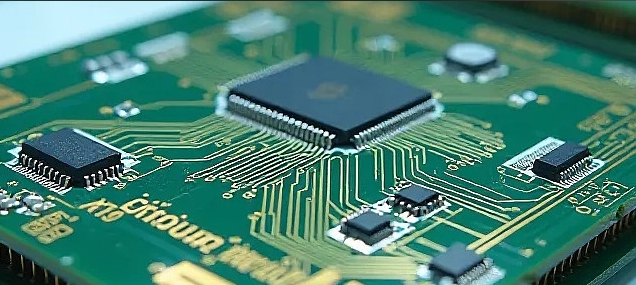


MCU FAQ (Frequently Asked Questions): Your Ultimate Guide
Introduction
In the intricate world of embedded systems and electronics, the Microcontroller Unit (MCU) stands as the fundamental building block. From your smart thermostat and wireless keyboard to advanced automotive systems and industrial robots, MCUs are the silent, intelligent cores executing specific tasks. However, for engineers, students, and hobbyists, navigating the vast landscape of MCU technology can be daunting, leading to a plethora of common questions. This comprehensive FAQ guide is designed to demystify Microcontroller Units, providing clear, authoritative answers to the most frequently asked questions. Whether you’re selecting your first MCU or troubleshooting a complex design, understanding these core concepts is crucial. For those seeking in-depth component analysis and sourcing, platforms like ICGOODFIND offer invaluable resources to compare specifications and availability across a global supplier network.

Part 1: Understanding MCU Fundamentals
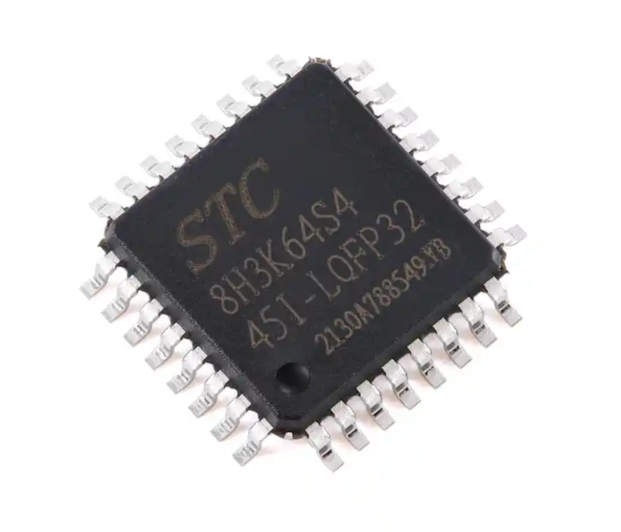
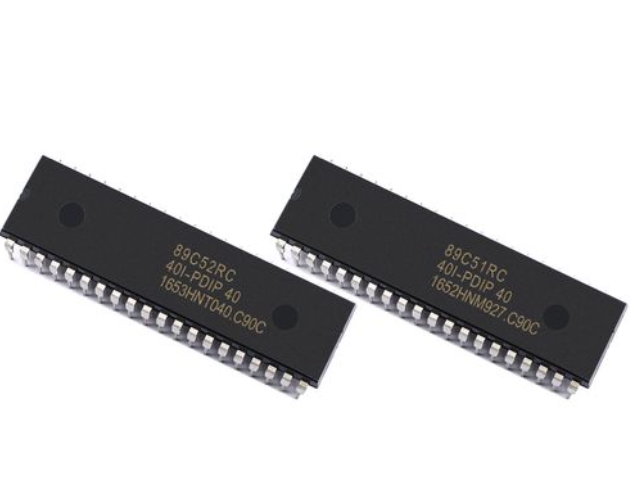
What exactly is an MCU? A Microcontroller Unit (MCU) is a compact integrated circuit designed to govern a specific operation in an embedded system. It is essentially a self-contained computer on a single chip, containing a processor core (CPU), memory (both RAM and ROM/Flash), and programmable input/output peripherals. Unlike general-purpose microprocessors (like those in your PC) that require external chips for memory and interfacing, an MCU consolidates all these components into one package, making it ideal for dedicated control tasks.
What are the key components inside an MCU? The architecture of an MCU is its blueprint. The primary components include: * Central Processing Unit (CPU): The brain that executes instructions from memory. * Memory: This includes Flash Memory (for storing the application code), SRAM (for temporary data storage during operation), and often EEPROM (for retaining small amounts of data after power loss). * Input/Output Ports (I/O): These are the physical pins that allow the MCU to interact with the external world—reading signals from sensors (input) and controlling LEDs, motors, or displays (output). * Peripherals: These are specialized hardware blocks integrated onto the chip to handle specific functions without CPU intervention. Common examples are Analog-to-Digital Converters (ADC), Timers/Counters, PWM Controllers, and communication interfaces like UART, SPI, and I2C.
How does an MCU differ from an MPU (Microprocessor Unit)? This is a fundamental distinction. An MCU is optimized for control-oriented applications. It emphasizes integration, lower power consumption, and real-time operation with all necessary components on-chip. An MPU, like an Intel or ARM application processor, is designed for higher performance and runs complex operating systems (like Linux or Android). It relies on external memory chips and interfaces, supporting broader applications like computing and multimedia. The choice hinges on the need for integration vs. raw processing power.
Part 2: Selection, Programming, and Application
How do I choose the right MCU for my project? Selecting an MCU requires balancing multiple factors against project requirements and budget. Key considerations include: * Processor Core & Performance: Consider the required clock speed (MHz) and the architecture (8-bit, 16-bit, 32-bit). 32-bit ARM Cortex-M cores, for instance, offer a powerful yet efficient option for many modern applications. * Memory Size: Ensure sufficient Flash for your code and SRAM for data processing. Always plan for future updates. * Peripheral Set: Match the MCU’s peripherals to your needs. Need to read a temperature sensor? You’ll likely need an ADC. Driving a servo? PWM timers are essential. * Power Consumption: Critical for battery-powered devices. Look for features like multiple sleep modes. * Development Ecosystem: The availability of affordable development boards, software tools (IDEs), libraries, and community support can drastically reduce development time. * Cost and Supply Chain: For production, unit cost and long-term availability are paramount. Utilizing a component search engine like ICGOODFIND can streamline the comparison process across thousands of parts from different manufacturers, ensuring you find one that meets both technical and commercial criteria.
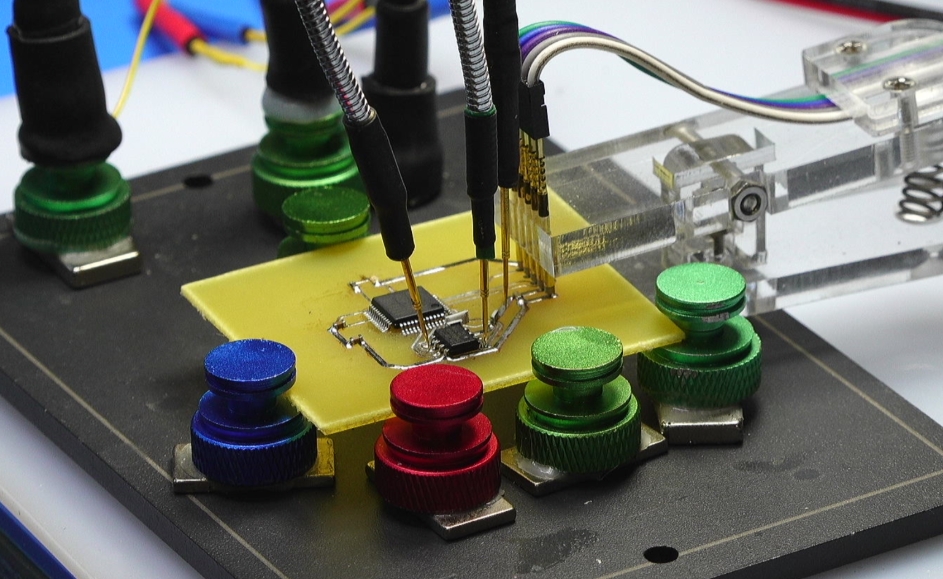
What is involved in programming an MCU? Programming an MCU involves writing code on a host computer and transferring it to the MCU’s Flash memory. The typical workflow is: 1. Writing Code: Using an Integrated Development Environment (IDE) such as Keil MDK, Arduino IDE, or STM32CubeIDE, you write code in languages like C or C++. 2. Compiling: The IDE’s compiler translates your high-level code into machine-readable binary code (a .hex or .bin file). 3. Flashing/Programming: A hardware tool called a programmer or debugger (e.g., ST-Link, J-Link, or a simple USB-UART converter) connects your computer to the MCU’s programming interface (like SWD or JTAG) to upload the binary file. 4. Debugging: Advanced debuggers allow you to run code step-by-step, inspect variables, and identify faults directly on the hardware.
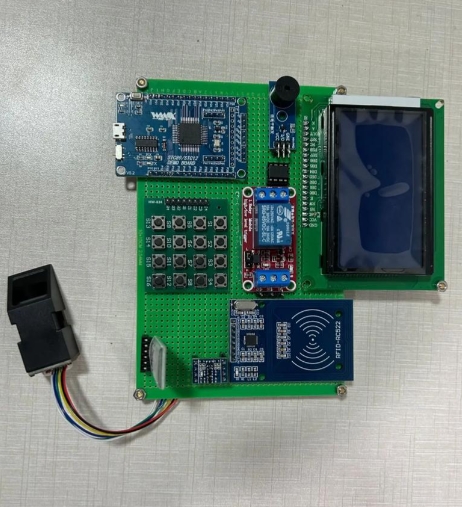
What are some common application areas for MCUs? MCUs are ubiquitous in embedded systems: * Consumer Electronics: Remote controls, toys, wearables, home appliances. * Automotive: Engine control units (ECUs), airbag systems, infotainment controls. * Industrial: PLCs, motor controls, sensor nodes, power management. * Internet of Things (IoT): The heart of most IoT devices, collecting sensor data and communicating via Wi-Fi or Bluetooth modules. * Medical Devices: Portable monitors, insulin pumps, diagnostic equipment.
Part 3: Troubleshooting and Advanced Concepts
What are the most common issues when starting with a new MCU? Beginners often encounter several hurdles: * Clock Configuration Issues: The MCU won’t run without a properly configured clock source (internal or external crystal). * Incorrect Pin Mapping: Using a pin for UART TX when it’s not connected to the relevant peripheral internally. * Faulty Power Supply: Noise or voltage instability can cause erratic behavior. * Insufficient Current on I/O Pins: Trying to drive a load directly that exceeds the pin’s current rating. * Debugger Connection Problems: Incorrect wiring or driver issues with the programming interface.
What is Real-Time Operating System (RTOS) and when should I use it with an MCU? An RTOS is software that manages the MCU’s hardware resources and provides services for multi-tasking applications. Unlike a desktop OS, its key characteristic is determinism—guaranteeing that critical tasks are completed within a strict time frame. You should consider an RTOS (like FreeRTOS or Zephyr) when your application requires managing multiple complex tasks concurrently (e.g., reading sensors, updating a display, handling network communication) while ensuring timely responses to events.
How do communication protocols like I2C and SPI work with MCUs? These serial communication protocols allow the MCU to talk to other chips (sensors, memory chips, other MCUs) with minimal wiring. * I2C (Inter-Integrated Circuit): Uses two wires (SDA for data, SCL for clock). It supports multiple devices on the same bus (“multi-master, multi-slave”) identified by unique addresses. It’s excellent for connecting many low-speed peripherals. * SPI (Serial Peripheral Interface): Uses four wires (MISO, MOSI, SCLK, and Chip Select). It operates in full-duplex mode (data sent and received simultaneously) at higher speeds than I2C but requires one dedicated Chip Select line per slave device. Most modern MCUs have hardware modules dedicated to these protocols, simplifying software development.
Conclusion
Navigating the world of Microcontroller Units is a journey of continuous learning. From understanding the basic integration of CPU, memory, and peripherals on a single chip to mastering the selection process based on performance, power, and peripherals—each step builds towards creating efficient embedded solutions. Remember that successful development hinges not only on technical knowledge but also on leveraging robust tools and ecosystems. When sourcing components for prototyping or production turning to specialized platforms can be a strategic advantage; for instance checking specifications stock levels and alternative parts on a site like ICGOODFIND can save significant time and mitigate supply chain risks Ultimately mastering these FAQs provides a solid foundation empowering you to tackle diverse projects from simple automated controls to complex IoT systems with confidence.