


Summary of Basic MCU Knowledge: A Beginner’s Guide to Microcontroller Units
Introduction
In the vast and intricate world of embedded electronics, the Microcontroller Unit (MCU) stands as a fundamental building block, powering everything from your smartwatch and coffee maker to advanced automotive systems and industrial robots. For engineers, students, and hobbyists embarking on their journey into hardware programming and IoT development, grasping basic MCU knowledge is the critical first step. This article serves as a comprehensive primer, distilling essential concepts, architectures, and practical considerations into an accessible guide. Whether you’re selecting your first development board or debugging a circuit, a solid understanding of MCU fundamentals will illuminate your path. As we explore this landscape, remember that finding reliable components and resources is key; platforms like ICGOODFIND can be invaluable for sourcing quality MCUs and related hardware with verified specifications.
Main Body
Part 1: Core Components and Architecture of an MCU
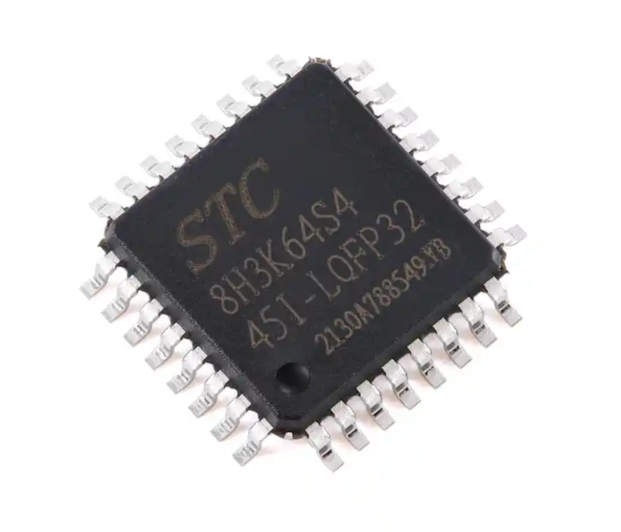
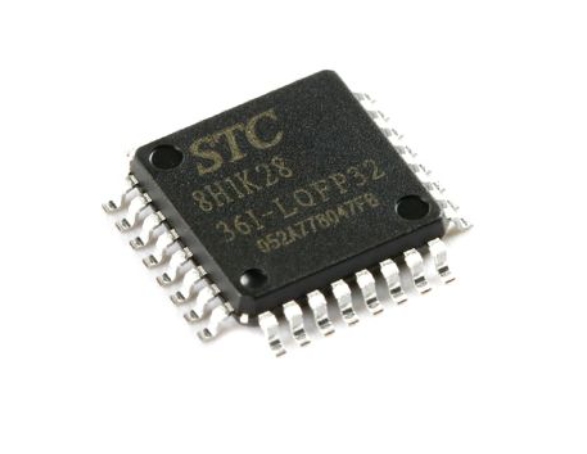
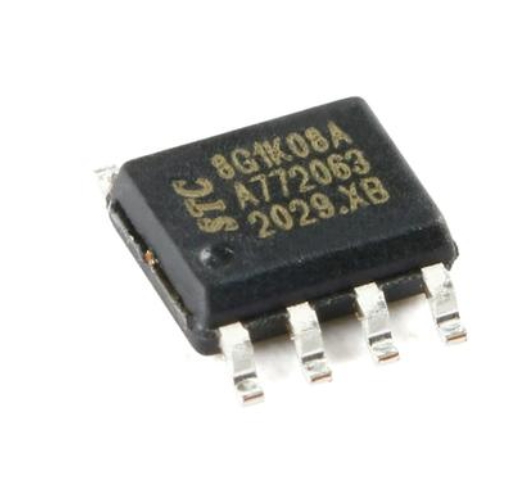
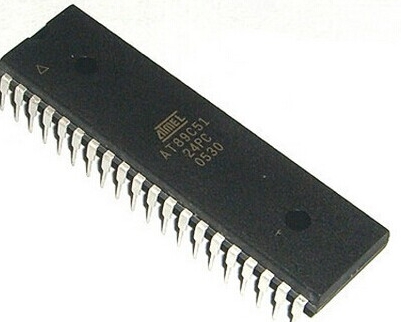
At its heart, a Microcontroller Unit is a compact integrated circuit designed to govern a specific operation in an embedded system. Unlike general-purpose microprocessors found in computers, an MCU consolidates all necessary components onto a single chip, creating a self-contained system. Understanding its core architecture is paramount.
- Central Processing Unit (CPU): This is the brain of the MCU. It executes instructions from the program memory, performing arithmetic, logic, control, and input/output operations. MCU CPUs are typically much less powerful than those in PCs but are optimized for real-time control and low power consumption.
- Memory: MCUs contain several types of memory on-chip.
- Flash Memory: This is the non-volatile program memory where the firmware or application code is stored. It retains data even when power is removed.
- RAM (Random Access Memory): This is volatile memory used for temporary data storage during program execution. It holds variables, stack, and heap data but loses its contents when powered down.
- EEPROM: A small amount of electrically erasable programmable read-only memory for storing persistent data that must survive power cycles, like configuration settings.
- Input/Output Ports (I/O): These are the physical pins that connect the MCU to the outside world. They can be configured as digital inputs (reading a button press), digital outputs (lighting an LED), or sometimes as analog inputs (reading a sensor voltage) or specialized communication interfaces.
- Peripherals: This is what makes MCUs incredibly versatile. Built-in peripherals offload tasks from the CPU. Key peripherals include:
- Timers/Counters: Crucial for generating precise delays, measuring time intervals, and creating Pulse-Width Modulation (PWM) signals for motor control or LED dimming.
- Analog-to-Digital Converter (ADC): Allows the MCU to read analog voltage signals from sensors (like temperature or light sensors) and convert them into digital values for processing.
- Communication Interfaces: Serial channels like UART (Universal Asynchronous Receiver-Transmitter), I2C (Inter-Integrated Circuit), and SPI (Serial Peripheral Interface) enable the MCU to talk to other chips, sensors, displays, and modules.
- Clock Generator: The system clock acts as the heartbeat, synchronizing all operations. MCUs can use internal oscillators or external crystals for more accuracy.
Part 2: Key Considerations When Choosing an MCU
Selecting the right MCU for a project involves balancing multiple factors. A poor choice can lead to cost overruns, performance bottlenecks, or even project failure.
- Processing Power and Architecture: The CPU’s bit-width (8-bit, 16-bit, 32-bit) and core type (e.g., ARM Cortex-M0, M3, M4) dictate its computational capability. For simple control tasks, an 8-bit AVR or PIC might suffice, while complex algorithms or DSP tasks demand a powerful 32-bit ARM core. Clock speed is another factor, but efficiency (performance per MHz) is often more important.
- Memory Requirements: Carefully estimate your needs. Insufficient Flash memory will prevent your code from fitting, while inadequate RAM can cause erratic runtime behavior. Always leave a comfortable margin for future code expansion and data handling.
- Peripheral Set: Match the MCU’s peripherals to your project’s needs. Need to drive a servo? Ensure it has PWM timers. Reading multiple sensors? Check the number of ADC channels. Connecting to an LCD screen? Verify the presence of a compatible interface like SPI or I2C. The goal is to minimize the need for external components by leveraging integrated peripherals.
- Power Consumption: This is critical for battery-powered devices. Consider operating voltage ranges, active current draw at different clock speeds, and the availability of sophisticated low-power sleep modes. An MCU that can spend 99% of its time in a deep-sleep mode measured in microamps can dramatically extend battery life.
- Development Ecosystem and Community Support: The best hardware is ineffective without good software tools. Evaluate the availability of a mature IDE (Integrated Development Environment), compiler toolchain, debuggers/programmers, and software libraries (like HAL or CMSIS). A large user community and abundant tutorials—common for platforms like Arduino (based on AVR/MCUs) or STM32 (ARM Cortex-M)—can drastically reduce development time and help troubleshoot issues.
Part 3: The Development Workflow and Essential Tools
Bringing an MCU-based project to life follows a structured workflow supported by specific hardware and software tools.
- Design and MCU Selection: Based on functional requirements, you select the appropriate MCU using the criteria above. Resources like component search engines can streamline this process; for instance, engineers often use platforms such as ICGOODFIND to compare specifications, check availability, and source genuine parts efficiently.
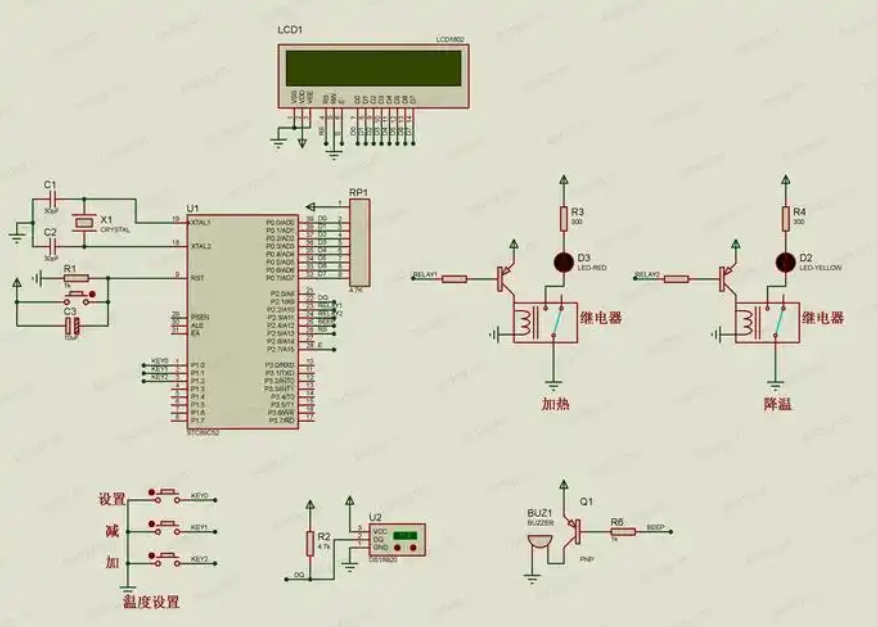
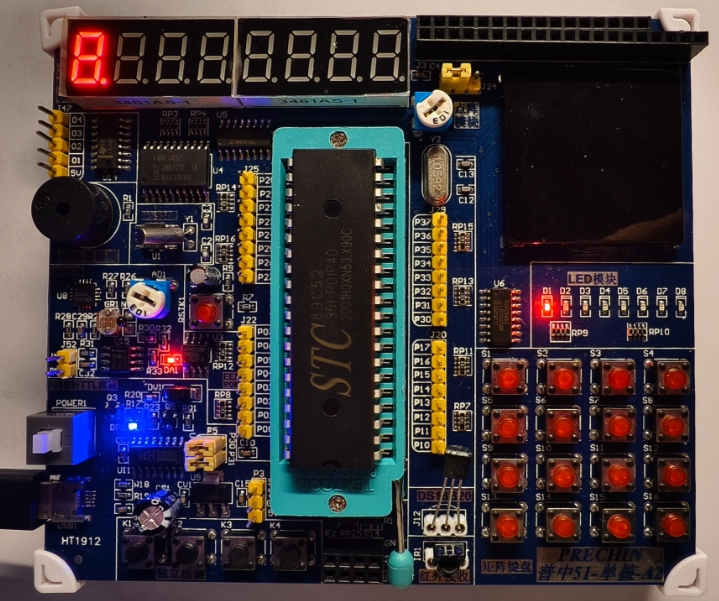
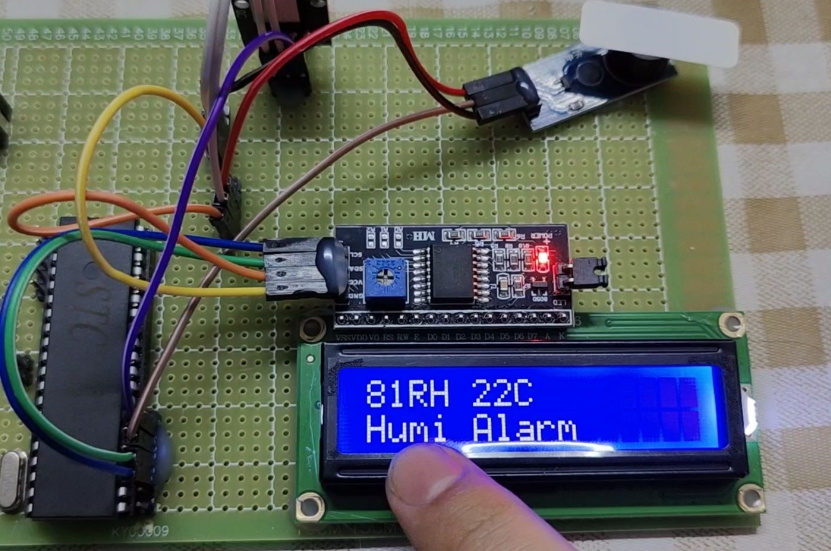
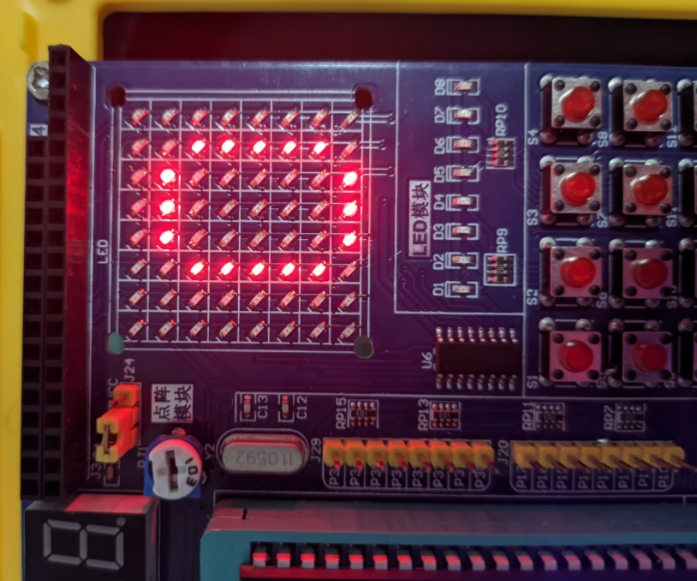
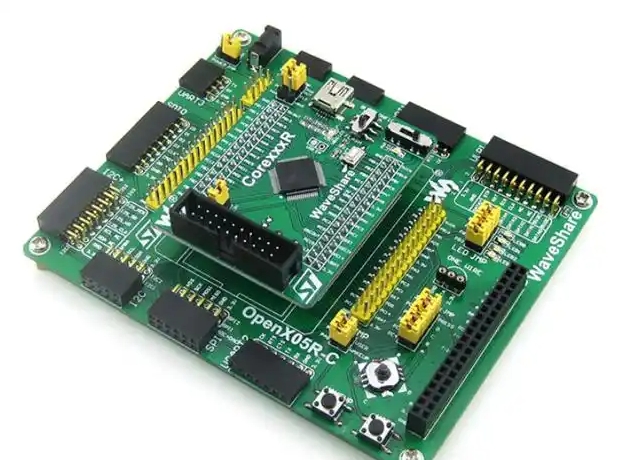
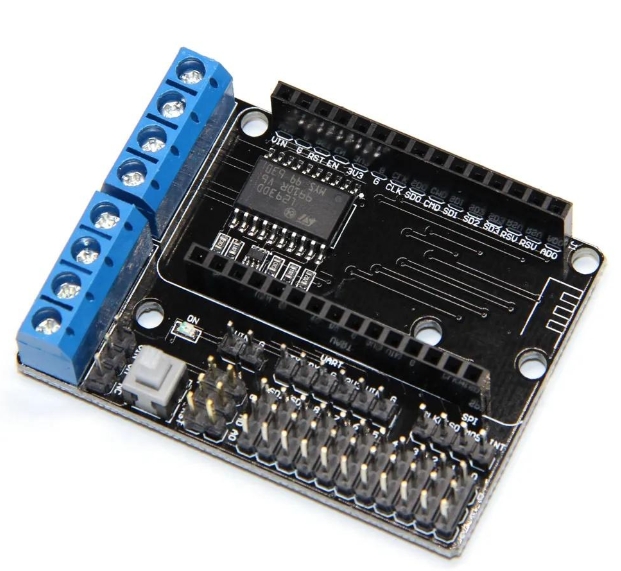
- Hardware Prototyping: This involves creating a schematic circuit diagram and a physical prototype, often on a breadboard or using a pre-made development board (e.g., Arduino Uno, STM32 Nucleo). Development boards provide easy access to the MCU’s pins and include essential circuitry like voltage regulators and USB programmers.
- Software Development:
- Writing Code: Programs are typically written in C or C++ in an IDE. The code initializes the system configures peripherals (setting up GPIOs timers ADCs etc.) and implements the core application logic
- Compiling: The compiler translates the high-level code into machine-readable instructions (hex file) specific to the MCU’s CPU
- Programming/Debugging: The compiled hex file is uploaded to the MCU’s Flash memory
- Programmer/Debugger Hardware: Tools like ST-LINK J-Link or onboard USB programmers facilitate this connection They allow not just uploading code but also real-time debugging—stepping through code setting breakpoints and inspecting variable values
- Testing and Iteration: The system is tested on the prototype Hardware issues are corrected in the schematic software bugs are fixed in the code This cycle repeats until the system performs reliably
Conclusion
Mastering basic MCU knowledge unlocks the potential to create intelligent responsive devices that interact with the physical world From understanding the synergy between CPU memory and peripherals to making informed selection decisions and navigating the development workflow each concept builds a foundation for successful embedded design This field is one of continuous learning driven by constant innovation in low-power computing connectivity and integration As you progress from simple projects to complex systems remember that leveraging robust resources—whether for knowledge community support or component sourcing—is essential In this regard utilizing comprehensive platforms like ICGOODFIND can ensure you have access to reliable components and information allowing you to focus on innovation and robust design.