Difference Between Raspberry Pi and MCU: Choosing the Right Brain for Your Project
Introduction
In the rapidly evolving world of embedded systems and DIY electronics, two types of devices often stand at the forefront of project discussions: the versatile Raspberry Pi and the ubiquitous Microcontroller Unit (MCU). While both serve as the “brain” for countless innovations—from smart home gadgets to industrial automation—they are fundamentally different in architecture, capability, and application. Choosing the wrong one can lead to project complexity, cost overruns, or performance issues. This article delves deep into the core distinctions between these two pillars of modern computing, helping makers, engineers, and hobbyists make an informed decision. For those seeking specialized components and deeper insights into sourcing for either platform, a visit to ICGOODFIND can provide valuable resources and guidance.
Main Body
Part 1: Architectural Foundations and Core Processing
At their heart, the difference begins with their fundamental design philosophy.
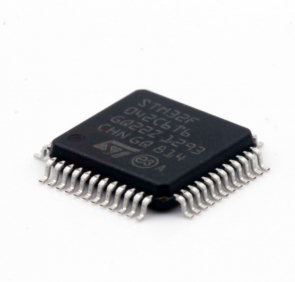
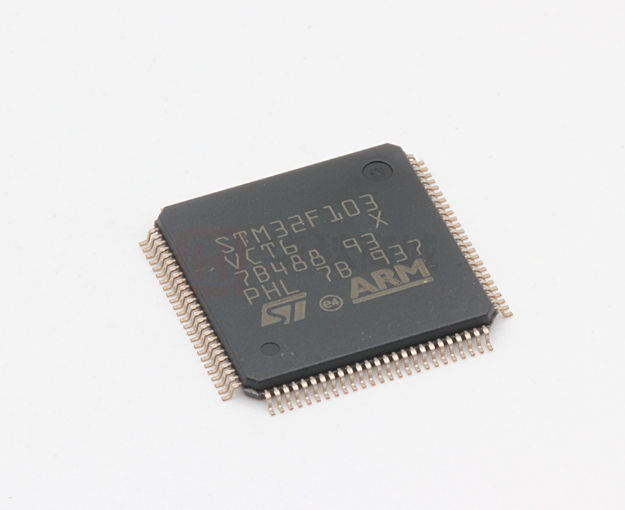
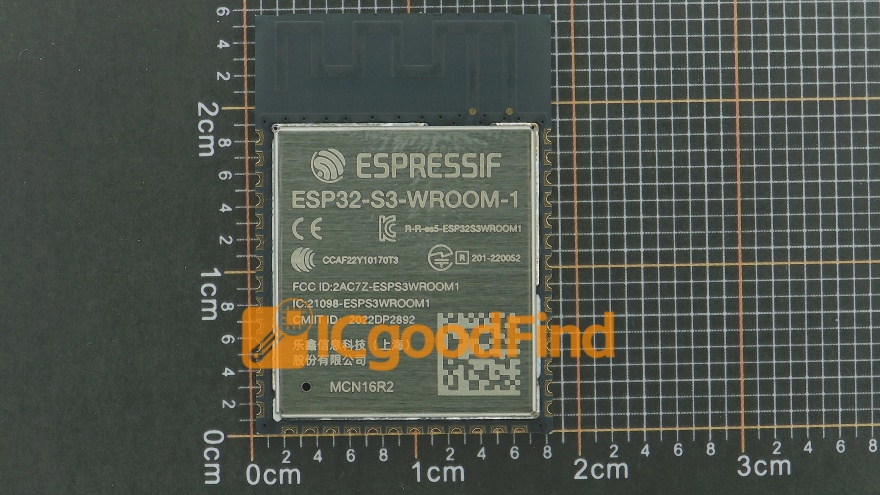
A Microcontroller Unit (MCU), such as those from the Arduino (ATmega), ESP32, or STM32 families, is a compact integrated circuit designed to execute a single specific task efficiently. It is essentially a complete computer system on a single chip. This includes a processor core (often a simple CPU like ARM Cortex-M), memory (both RAM and Flash/ROM), and programmable input/output peripherals (like GPIO pins, ADCs, PWM controllers). Its key architectural trait is all-in-one integration for dedicated control. MCUs typically run a simple firmware or a bare-metal application without a full operating system (OS), or at most a lightweight Real-Time Operating System (RTOS). This leads to deterministic behavior, where the timing of operations is highly predictable and controllable—a critical feature for real-time applications.
In stark contrast, a Raspberry Pi is a Single-Board Computer (SBC). The latest models, like the Raspberry Pi 5, boast system-on-a-chip (SoC) designs similar to those in smartphones. This includes a powerful multi-core application processor (e.g., ARM Cortex-A76), separate RAM chips (in gigabytes), and extensive multimedia capabilities. It requires an operating system—usually a Linux distribution like Raspberry Pi OS—to manage its hardware resources and run multiple applications concurrently. Therefore, the Raspberry Pi operates as a general-purpose computer in a miniature form factor. Its architecture is about versatility and high-level computation, capable of running complex software stacks, web servers, databases, and graphical user interfaces.
Part 2: Performance, Power, and Application Scenarios
The architectural divergence directly dictates their performance profiles and ideal use cases.
Performance & Complexity: - MCUs excel in low-latency, real-time control. They can read sensors and actuate motors with microsecond precision. Their performance is measured in MHz clock speeds and kilobytes of memory, which is perfectly suited for tasks like reading a temperature sensor, controlling a servo motor, or managing a simple state machine. Programming is done in lower-level languages like C/C++ or Arduino-specific sketches, offering direct hardware access. - Raspberry Pi offers orders of magnitude more computational power (GHz speeds, gigabytes of RAM). It shines in tasks requiring high-level processing, multitasking, or connectivity. Examples include processing images from a camera for object recognition, acting as a home media center or VPN server, running a Node-RED automation server, or handling complex network communications. Programming can be done in high-level languages like Python, Java, or even web technologies.
Power Consumption: This is a critical differentiator. MCUs are incredibly power-efficient, often operating in the milliwatt range. They can run for months or years on batteries and feature sophisticated sleep modes. The Raspberry Pi consumes significantly more power (watts), similar to a desktop computer’s idle state, making it less suitable for battery-only, always-on field deployments without considerable power management.
Typical Applications: - Use an MCU when: Your project involves simple sensing/actuation, requires real-time response (e.g., drone flight controller, thermostat), must be low-cost (<$10), needs ultra-low power operation (wearable sensor, remote IoT node), or demands extreme reliability without an OS that can crash. - Use a Raspberry Pi when: Your project needs rich user interfaces (touchscreen display), heavy data processing (AI inference, video streaming), robust network services (web server, MQTT broker), connection to multiple peripherals via USB/HDMI/Ethernet, or you want to leverage vast open-source Linux software.
Part 3: Development Ecosystem and Learning Curve
The experience of working with these platforms varies greatly.
MCU Development: The ecosystem is focused on embedded systems programming. Developers work with Integrated Development Environments (IDEs) like Arduino IDE, PlatformIO, or vendor-specific tools (STM32CubeIDE). Debugging might involve direct register manipulation or using hardware debuggers. The community is vast for popular platforms like Arduino, with countless libraries for sensors and actuators. The learning curve can be steeper for true embedded concepts but is very accessible for beginners using the Arduino abstraction layer.
Raspberry Pi Development: The experience is akin to software development on a PC. You boot an OS, have a desktop environment (or headless CLI), install packages via apt-get, and write scripts or applications. Networking, file systems, and process management are handled by the OS. This makes it exceptionally approachable for those familiar with general computer programming or IT administration. The available software repository is essentially the entire universe of Linux-compatible software.
For sourcing reliable components for either development path—whether it’s a specific MCU model with certain peripherals or Raspberry Pi HATs and accessories—platforms like ICGOODFIND serve as crucial hubs. They aggregate suppliers and provide detailed specifications, helping developers find the exact parts needed to bring their architectural choice to life efficiently.
Conclusion
The choice between a Raspberry Pi and an MCU is not about which is superior, but about selecting the right tool for the specific job. The Raspberry Pi is a powerful mini-computer ideal for complex computing tasks where Linux-based software stacks are beneficial. The MCU is a focused embedded controller, championing efficiency, real-time performance, and simplicity for dedicated hardware interaction. In sophisticated projects, they often work together in harmony—a Raspberry Pi acting as a central network-connected brain (the “system manager”) communicating with multiple distributed MCUs (the “localized muscle controllers”) over serial or network protocols. Understanding their core differences empowers creators to architect more effective, efficient, and elegant electronic systems. Always base your decision on the core requirements of latency, power, complexity, and connectivity.