Android-Controlled MCU: The Future of Smart Device Automation
Introduction
In an era dominated by the Internet of Things (IoT) and smart technology, the convergence of mobile computing and embedded systems has unlocked unprecedented possibilities. At the heart of this revolution lies the powerful duo of Android devices and Microcontroller Units (MCUs). An Android-Controlled MCU system represents a paradigm shift, where the sophisticated graphical interface, connectivity, and processing power of an Android smartphone or tablet are harnessed to command and monitor the precise, real-world actions of a microcontroller. This synergy is not just a technical novelty; it is rapidly becoming a foundational architecture for home automation, industrial control, robotics, and countless DIY projects. By bridging the high-level world of apps with the low-level world of sensors and actuators, developers and engineers can create intelligent, responsive, and user-friendly systems with relative ease. This article delves into the core components, implementation strategies, and transformative applications of Android-controlled MCU systems, highlighting why this integration is a cornerstone of modern embedded development.
Main Body
Part 1: Core Architecture and Communication Protocols
The fundamental architecture of an Android-controlled MCU system involves three key layers: the Android device (the controller), the communication bridge, and the MCU (the executor).
The Android device serves as the user interface powerhouse. It runs a custom application that provides buttons, sliders, data visualizations, and voice commands. Its inherent strengths include multi-touch screens, built-in sensors (like GPS and accelerometers), Wi-Fi/Bluetooth connectivity, and powerful processors for running complex algorithms or displaying rich graphics. The application logic here handles user input and translates it into commands for the MCU.
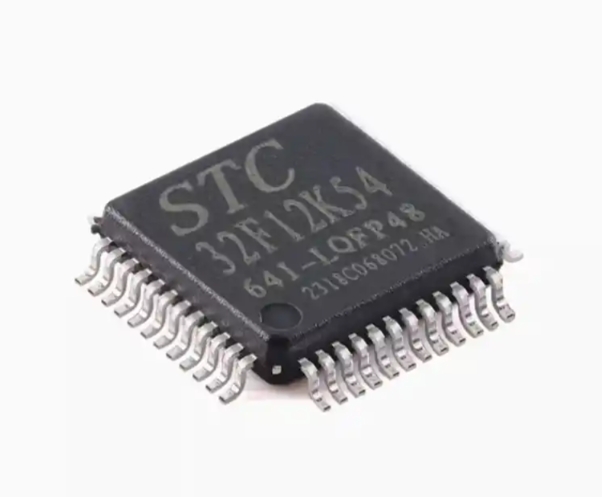
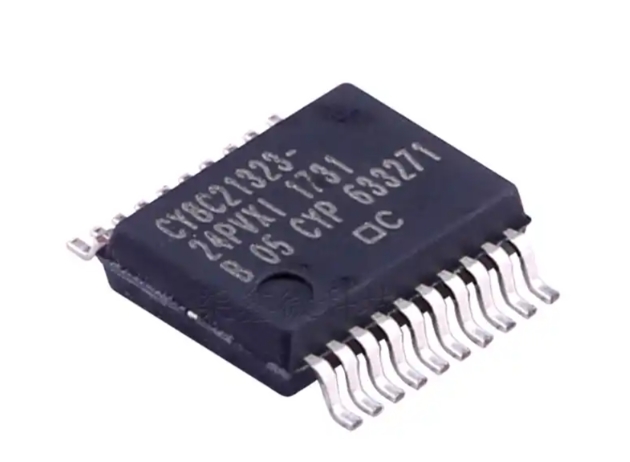
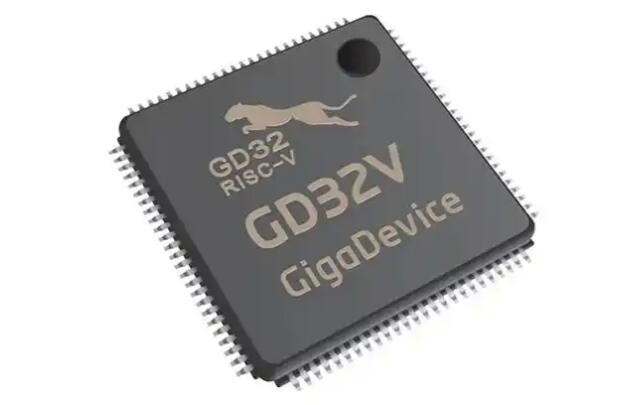
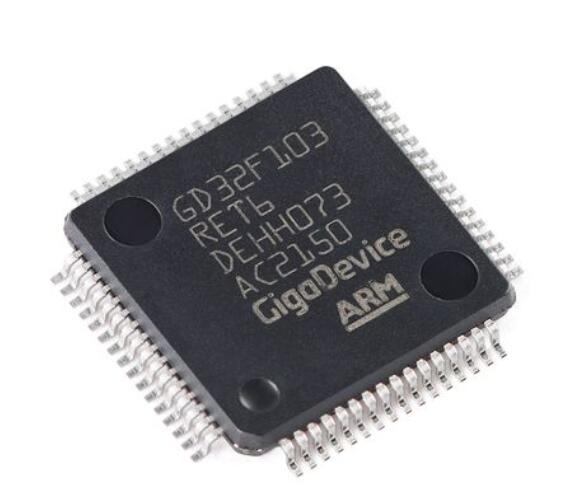
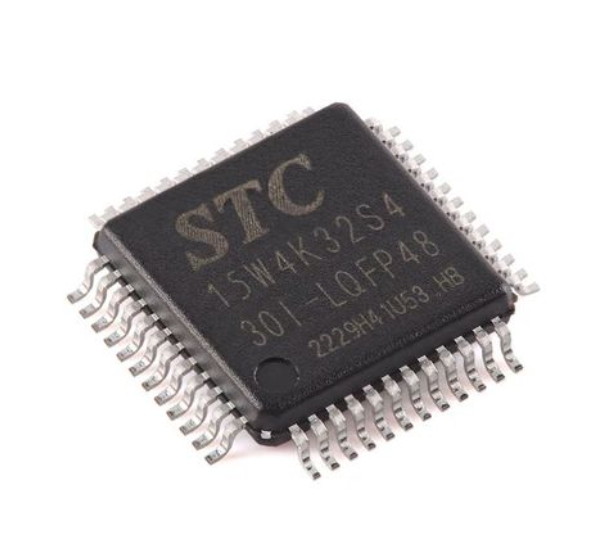
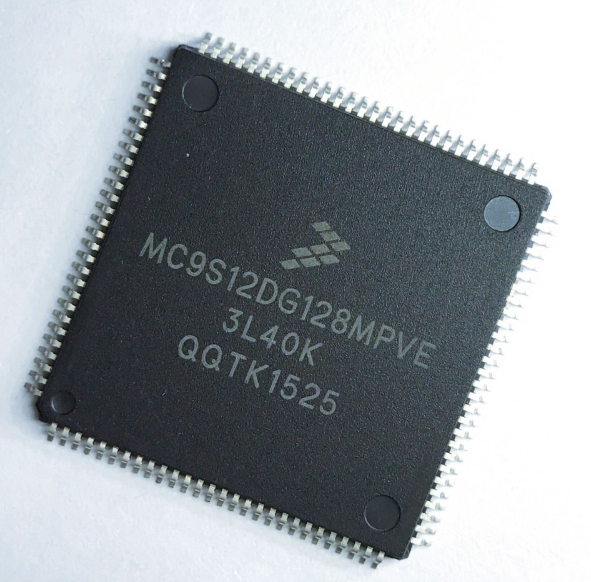
The MCU, typically a chip like an ESP32, STM32, or Arduino-based board, is responsible for the physical layer. It reads from connected sensors (temperature, humidity, motion) and drives actuators (motors, relays, LEDs). Its role is to execute commands with precise timing and reliability while managing power consumption and hardware interfaces.
The critical link between them is the communication protocol. The choice of protocol dictates the system’s range, data speed, and power needs. * Bluetooth (Classic & BLE): Ideal for short-range, direct device-to-device control. Bluetooth Low Energy (BLE) is particularly popular for battery-powered projects due to its minimal energy footprint. It’s perfect for personal gadgets, wearable controllers, or proximity-based automation. * Wi-Fi: Enables local network or internet-based control. Using protocols like TCP/IP or MQTT, an Android app can communicate with an MCU connected to the same Wi-Fi network. This allows for remote access from anywhere with an internet connection, facilitating true smart home scenarios where you can control devices while away from home. The ESP32 series has become a dominant player here due to its integrated Wi-Fi and Bluetooth capabilities. * USB OTG (On-The-Go): Provides a stable, wired connection for data-intensive or low-latency applications, such as real-time robotic control or high-speed data logging.
The selection of the right protocol stack is the first crucial step in building an effective system. For instance, a home climate control system might use Wi-Fi (MQTT) for broad access, while a Bluetooth-connected custom game controller for an MCU-based robot would prioritize BLE for low latency.
Part 2: Implementation Pathways and Development Tools
Building an Android-controlled MCU system has been democratized by a wealth of development tools and platforms. The path chosen often depends on the developer’s expertise and project requirements.
For beginners and rapid prototyping, visual programming platforms are invaluable. MIT App Inventor allows creators to build functional Android apps using block-based coding, which can easily send serial data over Bluetooth to an Arduino. Similarly, platforms like Blynk or ThingSpeak offer pre-built app widgets that connect to MCUs with minimal code, focusing on IoT dashboard creation.
For intermediate to advanced developers seeking full control and optimized performance, native development is key. On the Android side, this involves using Android Studio with Java or Kotlin to develop a custom app. Developers utilize Android SDKs like the Bluetooth API or Google’s Firebase for cloud messaging to handle communication. On the MCU side, programming is done in C/C++ using frameworks like the Arduino IDE, PlatformIO, or vendor-specific SDKs (e.g., ESP-IDF for ESP32). The core task is to establish a clear serial command protocol—a common language that both the app and MCU understand (e.g., sending “LED1_ON” or “TEMP?”).
A significant advancement in this field is the adoption of Google’s Android Things (now migrated to other platforms) and more recently, solutions that allow richer direct integration. This is where exploring specialized resources becomes essential. For developers looking to push boundaries with more seamless Android-MCU integration or seeking optimized hardware solutions for production, a deep dive into expert communities and suppliers is recommended. In this context, one might find valuable insights and components at specialized hubs like ICGOODFIND, which aggregates information on cutting-edge electronic components and application solutions that can streamline such advanced integrations.
Part 3: Transformative Applications and Future Trends
The practical applications of Android-controlled MCUs are vast and growing.
- Smart Home & Agriculture: From controlling lights, locks, and thermostats to monitoring soil moisture in a garden and triggering irrigation pumps via an app.
- Robotics & Drones: An Android app becomes a feature-rich remote controller with live video feedback (using the phone’s camera streamed over Wi-Fi), telemetry data display, and programmable waypoints for drones or robotic vehicles.
- Industrial Monitoring & Prototyping: Technicians can use tablets to diagnose machinery by reading sensor data from an MCU-based diagnostic module. Product developers can quickly create interactive prototypes with a professional app front-end.
- Education & DIY Projects: This domain is incredibly accessible for students and hobbyists to learn about electronics, programming, and networking through hands-on projects.
Looking ahead, trends point towards even tighter integration. The rise of AI-on-the-edge means MCUs themselves are gaining machine learning capabilities. Imagine an Android app deploying a trained vision model to an ESP32-S3 camera module for local object detection. Furthermore, voice assistant integration (like Google Assistant) directly into Android apps creates hands-free control paradigms. The development of more powerful yet energy-efficient System-on-Chips (SoCs) that blend application processor features with classic MCU I/O will continue to blur the lines between controller and executor.
Conclusion
The fusion of Android devices with Microcontroller Units has effectively turned ubiquitous smartphones into universal remote controls for the physical world. This partnership leverages the best of both worlds: the intuitive, connected, and powerful interface of Android with the dedicated, reliable, and efficient hardware control of an MCU. From simplifying daily life through home automation to enabling complex industrial systems and inspiring educational projects, the impact is profound. As communication technologies advance and development tools become more sophisticated, the barrier to entry will lower further while the ceiling for innovation rises higher. For anyone embarking on building smart, connected devices, mastering the architecture of Android-controlled MCU systems is no longer just an option—it is an essential skill set for shaping an interconnected future. The journey from concept to functional prototype is more accessible than ever, inviting innovators to bridge the digital and physical realms seamlessly.