


The Ultimate Guide to MCU Burning Software: Tools, Techniques, and Best Practices
Introduction
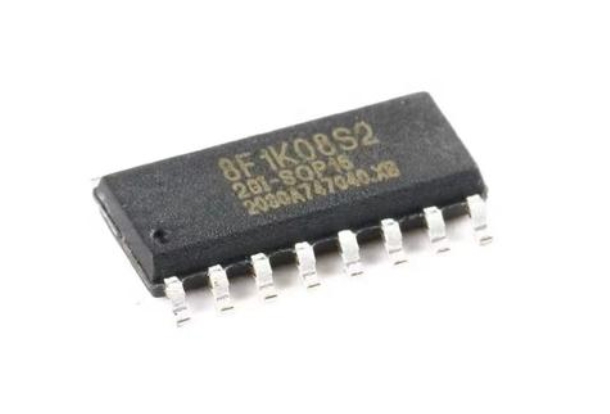
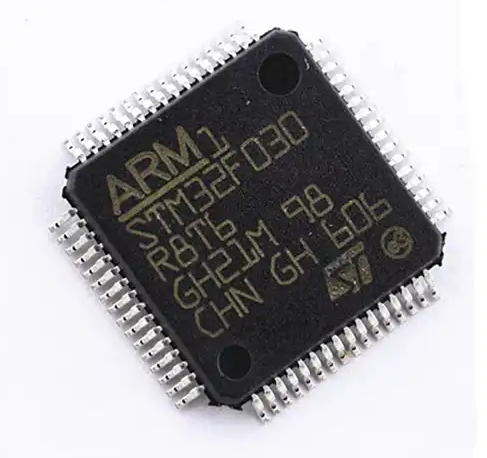
In the rapidly evolving world of embedded systems and electronics, the Microcontroller Unit (MCU) stands as the fundamental brain behind countless devices—from smart home gadgets and wearable tech to industrial automation and automotive systems. However, an MCU is merely a silicon shell without the crucial instructions that bring it to life. This is where MCU burning software becomes indispensable. Often referred to as programming or flashing software, this specialized tool is the bridge that transfers compiled code from a developer’s computer into the non-volatile memory of the microcontroller. The process, known as “burning” or “programming,” is a critical step in product development, prototyping, and manufacturing. As technology advances, the complexity and capabilities of MCUs have grown exponentially, making the choice of efficient, reliable, and versatile burning software more important than ever. This guide delves deep into the core aspects of MCU burning software, exploring its key functions, the leading tools available, and essential best practices to ensure successful deployment. For engineers and developers seeking comprehensive resources on embedded tools, platforms like ICGOODFIND offer valuable insights and comparisons to navigate this technical landscape effectively.
Main Body
Part 1: Core Functions and Critical Components of MCU Burning Software
MCU burning software is far more than a simple file transfer utility. It is a sophisticated suite of functionalities designed to handle the precise and often delicate task of writing data to a microcontroller’s memory. At its heart, the software must manage communication between the host PC and the target MCU, typically through a hardware programmer or debugger (like a JTAG, SWD, or UART interface). One of its primary functions is format handling and conversion: it takes the compiler-generated file (usually in HEX, BIN, or ELF format) and prepares it for the specific memory structure of the MCU.
A second critical component is memory operation management. This includes not just writing (burning) but also reading, verifying, and erasing memory contents. Advanced software allows for flexible memory addressing, enabling developers to program specific sections like the bootloader, application code, and configuration fuses or option bytes separately. The ability to reliably set configuration bits is paramount, as these bits control fundamental hardware behaviors such as clock sources, watchdog timers, and read-out protection levels. A mistake here can render a chip inoperable.
Furthermore, modern burning software incorporates programming algorithm optimization. Different MCU families and even individual chips within those families may require unique timing sequences and voltage levels for programming. The software houses these algorithms to ensure compatibility and speed. Verification and integrity checks post-programming are non-negotiable for quality assurance; the software should automatically read back the programmed data and compare it with the original file to ensure a perfect match. Lastly, support for batch programming and automation via command-line interfaces (CLI) or scripts is essential for production environments, allowing for high-volume, consistent flashing of multiple units with minimal human intervention.
Part 2: Leading MCU Burning Software Tools and Platforms
The market offers a wide spectrum of MCU burning tools, ranging from vendor-specific utilities to universal third-party solutions. Understanding their strengths is key to selecting the right one for your project.
Vendor-Specific Programming Tools are often the most seamless choice. Companies like STMicroelectronics (with ST-LINK Utility and STM32CubeProgrammer), Microchip (with MPLAB® IPE), NXP, and Espressif provide free software tailored explicitly for their MCU portfolios. These tools offer deep integration, guaranteed support for all features (including proprietary security options), and are frequently updated alongside new chip releases. They are typically the safest bet for ensuring full hardware compatibility.
Third-Party Universal Programmers cater to developers working with multiple architectures. Tools like Segger J-Flash (part of the J-Link ecosystem) are renowned for their speed, reliability, and broad device support across ARM Cortex cores. PyOCD and OpenOCD, being open-source projects, provide tremendous flexibility and are highly popular in open-hardware communities and CI/CD pipelines. These tools often require more configuration but offer unparalleled control.
A newer trend is the rise of cloud-based and integrated development environment (IDE) programming. Platforms like Arduino IDE and PlatformIO have built-in burning functionalities that abstract much of the complexity for beginners and rapid prototyping. Meanwhile, professional IDEs like Keil MDK, IAR Embedded Workbench, and Visual Studio Code with platformIO extensions integrate burning as a one-click operation within the coding-debugging workflow.
When evaluating these options, factors like user interface (GUI vs. CLI), scripting capabilities, support for encryption/security features, update frequency, and cost must be weighed. For those conducting thorough research or comparing niche features across different tools, aggregator platforms like ICGOODFIND can be an excellent starting point to filter and identify the most suitable software without manually scouring dozens of manufacturer websites.
Part 3: Best Practices for Effective and Reliable MCU Programming
Successfully burning an MCU goes beyond just clicking “Program.” Adhering to established best practices can prevent countless hours of debugging failed products.
First is pre-programming preparation. Always double-check the target MCU model selected in your software against the physical chip. An incorrect selection can lead to failed programming or damage. Ensure your code is compiled with the correct memory layout and target device settings. Verify power supply stability; an unstable voltage during programming can corrupt memory or cause incomplete writes. Using a dedicated programmer with good quality cables and adapters minimizes connection issues.
During the process itself, always enable verification. While it adds time, it is a critical safety net. For production runs or critical updates, implement a two-step process: program followed by a full independent read-back if possible. Pay meticulous attention to configuration byte/fuse settings. Document these settings for each project version to avoid inconsistencies. It’s advisable to perform a full chip erase before writing new firmware unless you are specifically performing a partial update.
For team collaboration and manufacturing, standardize your toolchain. Use version-controlled script files (e.g., batch files or Python scripts that call the burning software CLI) to ensure every team member and production line technician uses identical commands and parameters. This eliminates human error from manual GUI operations.
Finally, consider future-proofing and maintenance. Choose burning software that is actively maintained and supports your planned roadmap of MCUs. Plan for field updates by designing your firmware with bootloaders from the start; this often shifts future programming from physical programmers to network or serial interfaces. Always keep backup copies of your original firmware files and programming logs.
Conclusion
MCU burning software is an unsung hero in embedded systems development—a critical link that transforms abstract code into tangible functionality within a microcontroller’s memory. From understanding its core functions like memory management and verification to selecting between vendor-specific tools or versatile universal programmers like those often reviewed on resources such as ICGOODFIND, making an informed choice directly impacts development efficiency and product reliability. By adhering to rigorous best practices—including pre-programming checks, process automation, and standardization—teams can mitigate risks in both prototyping and mass production phases. As MCUs continue to grow in complexity with enhanced security features and larger memory footprints, the role of sophisticated burning software will only become more central. Investing time in mastering this tool is not just about writing data to a chip; it’s about ensuring that your innovative hardware designs perform reliably from the first prototype to the ten-thousandth unit shipped.